Description
Factory Service Manual · on USB
Navistar Diamond Logic® Builder Software
Service Manual — Basic Programming and Diagnostics
176 pages · HTML web archive · Searchable · Printable
Please note: this listing is for the
Navistar Diamond Logic® Builder Software Service Manual — Basic Programming and Diagnostics only, delivered on USB media.
Check the model and years above against your vehicle before purchasing.
Navistar Diamond Logic® Builder Software Service Manual — Basic Programming and Diagnostics only, delivered on USB media.
Check the model and years above against your vehicle before purchasing.
This service manual provides instructions for using the Diamond Logic Builder software for basic programming and diagnostics. It is intended for technicians who need to configure vehicle multiplexing systems and manage programmable parameters.
What’s Covered
- Software Installation
- Vehicle Connection
- Advanced Logic
- Fault Codes
- Connector Pin-outs
- Signal Monitoring
- Template Creation
- Cluster Odometer Programming
- Module Updating
- Electrical Diagnostics
Format & Compatibility
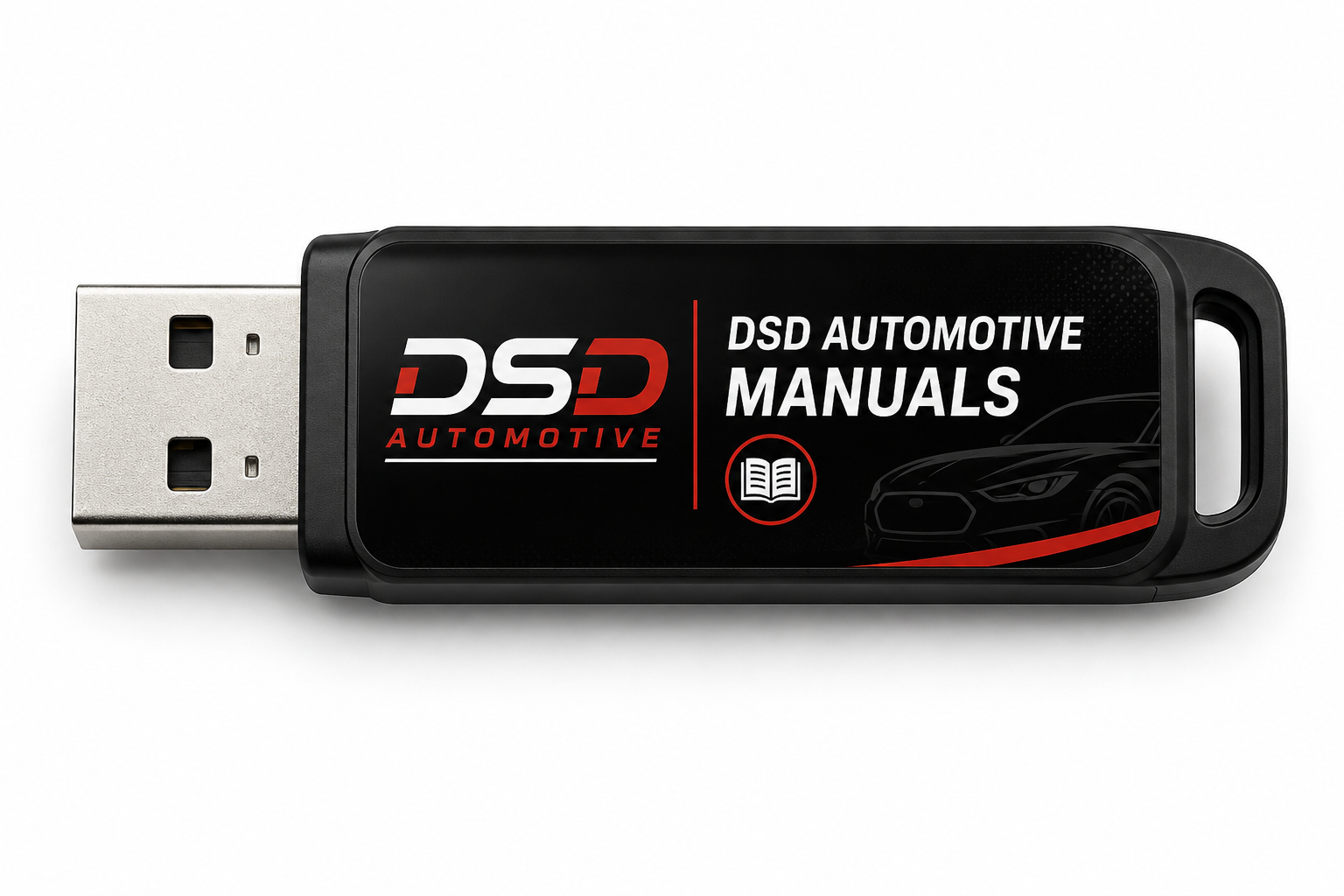
- Shipped on a USB flash drive — plug in and open; no internet, software, or activation required.
- HTML web archive (not a PDF) — opens in any web browser — Windows 10 / 11, Mac, Linux, tablet or phone; nothing to install
- Clickable table of contents down the side, full-text search, and every "see page N" reference hyperlinked to the page
- Diagrams, tables, specifications and torque values embedded on the page as published
- Print any page straight from the browser
Shipping: ships from Orlando, FL within 1 business day via USPS with tracking.
Returns: media found defective is replaced free of charge.
Returns: media found defective is replaced free of charge.