Removal [10/2022 - 11/2023]: Procedure
WARNING: This page is about a different variant/trim than selected.
- REMOVE BATTERY SERVICE HOLE COVER
Refer to PROCEDURE - Step 1
- REMOVE BATTERY STATE SENSOR ASSEMBLY
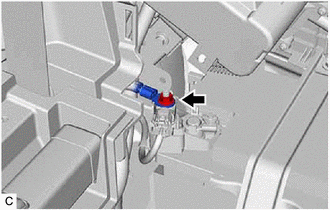
- Remove the nut and disconnect the No. 2 frame wire from the battery state sensor assembly.NOTE:
When disconnecting the No. 2 frame wire, some systems need to be initialized after the No. 2 frame wire is reconnected.
Refer to INITIALIZATION [10/2022 - 11/2023]
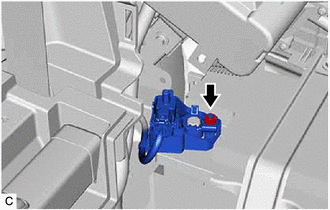
- Loosen the nut and remove the battery state sensor assembly from the auxiliary battery.
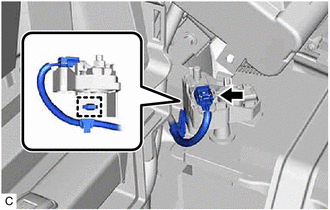
- Disconnect the battery state sensor assembly connector.
- Disengage the wire harness clamp.
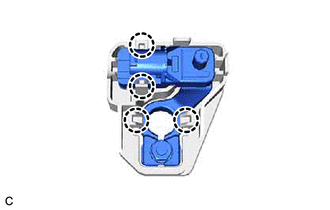
- Disengage the 4 claws to remove the battery state sensor assembly from the battery current sensor holder.
- Remove the nut and disconnect the No. 2 frame wire from the battery state sensor assembly.