Using Multi-information Display (Color Display)
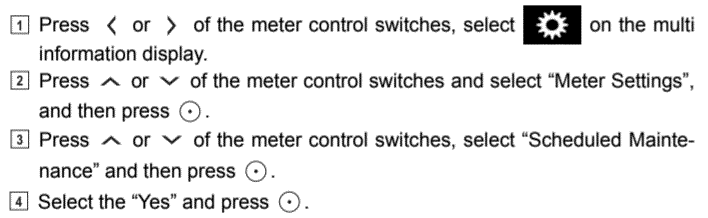
- Press the LEFT/RIGHT ARROW buttons on the right side of steering wheel (meter control switches) to select SETTINGS (gear icon).
- Press the UP/DOWN ARROW buttons on the right side of steering wheel (meter control switches) to select METER SETTINGS (or VEHICLE SETTINGS), then press the ENTER button (circle with center dot icon).
- Press the UP/DOWN ARROW buttons to select SCHEDULED MAINTENANCE (or MAINTENANCE SYSTEM) and then press ENTER.
- Select "Yes" and press ENTER.
- A conformation message is displayed on the multi-information display.
 Courtesy of © TOYOTA, LICENSE AGREEMENT TMS1002